OBSでディスコ―ドを使ってVCする時にアイコンをアニメーションさせるcss
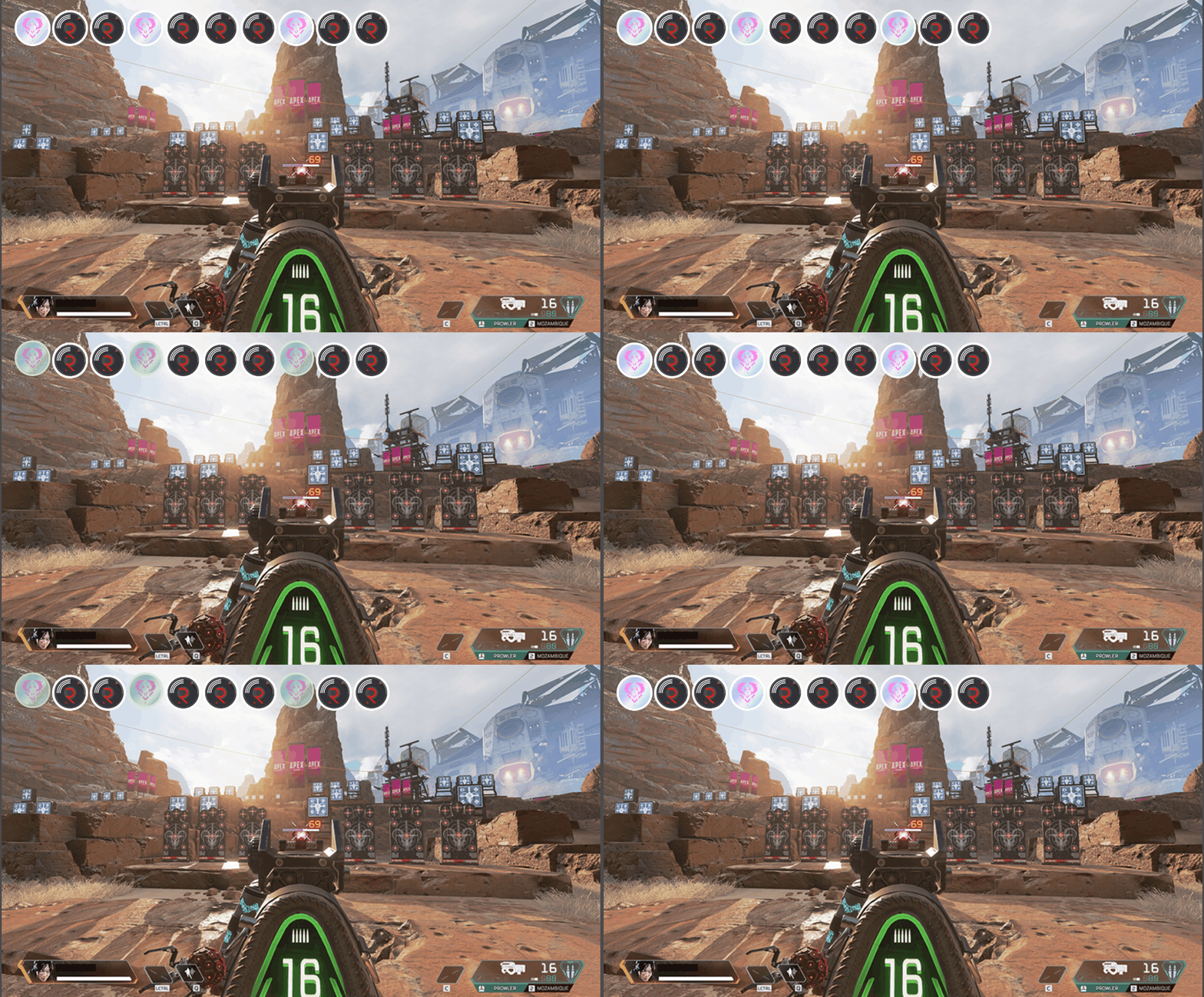
ディスコードウィジットをカスタマイズします。10人まで対応しています。
https://streamkit.discord.com/overlay
上記にアクセスし、「Install for OBS」を押した後「VOICE WIDGET」タブを選択。
・右下に出力されるURLをOBSの「ブラウザ」を開き、「URL」に張り付け。
・「幅」を1460pxに変更。
・下記CSSを「カスタムCSS」に貼り付けます。
ウィジットそのままでも十分使えますが、以下の変更を加えられます。
・横並びになるように表示します。
・トーク中の人にアニメーションを与えます。
.voice-states {
    width: 1460px;
}

.voice-state {
    position: relative;
    display: inline-block;
    width: 138px !important;
    height: 138px !important;
}

.avatar {
    display: block;
    width: 118px !important;
    height: 118px !important;
    border: 7px solid #fff !important;
}

.user {
    position: absolute;
    left: 0;
    bottom: -20px;
    width: 130px;
    white-space: nowrap;
    overflow: hidden;
    text-overflow: ellipsis;
}

.speaking {
    position: relative;
    animation: speaker 1s forwards infinite;
}

@keyframes speaker {
    0% {
        opacity: 1;
        bottom: 0px;
    }

    15% {
        opacity: 0.8;
        bottom: 10px;
    }

    30% {
        opacity: 1;
        bottom: 0px;
    }
}

body {
    background-color: rgba(0, 0, 0, 0);
    margin: 0px auto;
    overflow: hidden;
}
・同Voice Channelの表示したくない人のアイコンを消したい場合は下記を追記してください。
.voice-state[data-reactid*="【ユーザーID】"]{
	display: none;
}